
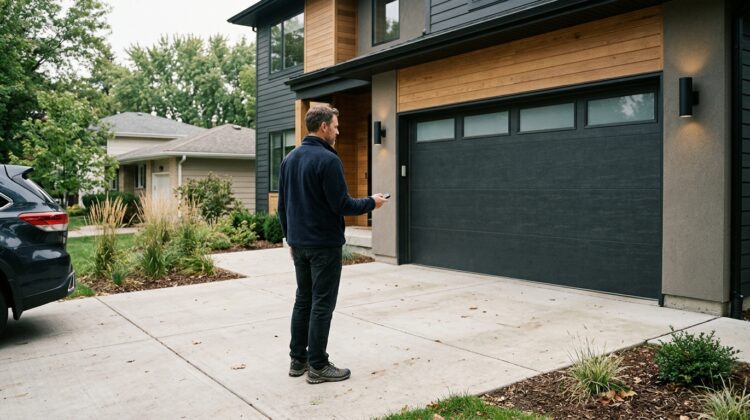
Garage door remote LED interference can make an otherwise reliable opener behave unpredictably. You press the remote from the driveway, but nothing happens. Move closer, and the door suddenly responds. On another day, the same remote works normally. The problem may appear to involve a weak battery, failing receiver, or aging motor, yet an ordinary LED light can sometimes contribute to the disruption.
Some LED bulbs and electronic lighting drivers emit unwanted radio-frequency noise. When that noise overlaps with the frequencies used by a garage door receiver, the opener may struggle to recognize a legitimate remote signal.
However, not every LED bulb creates interference. Many operate without affecting garage door equipment at all.
This guide explains common warning signs, safe troubleshooting steps, and how to identify when professional assistance makes more sense than replacing the entire opener.
Why LED Lights Can Interfere With Garage Door Remotes
Most wireless garage door remotes communicate with the opener through radio signals. The receiver listens for an authorized transmission and responds when the correct information reaches it.
Electrical equipment can create unwanted electromagnetic noise. Poorly filtered LED drivers are one possible source.
Depending on the equipment and installation, interference may shorten the remote’s effective range or make a signal difficult to detect.
Understand how radio-frequency interference develops
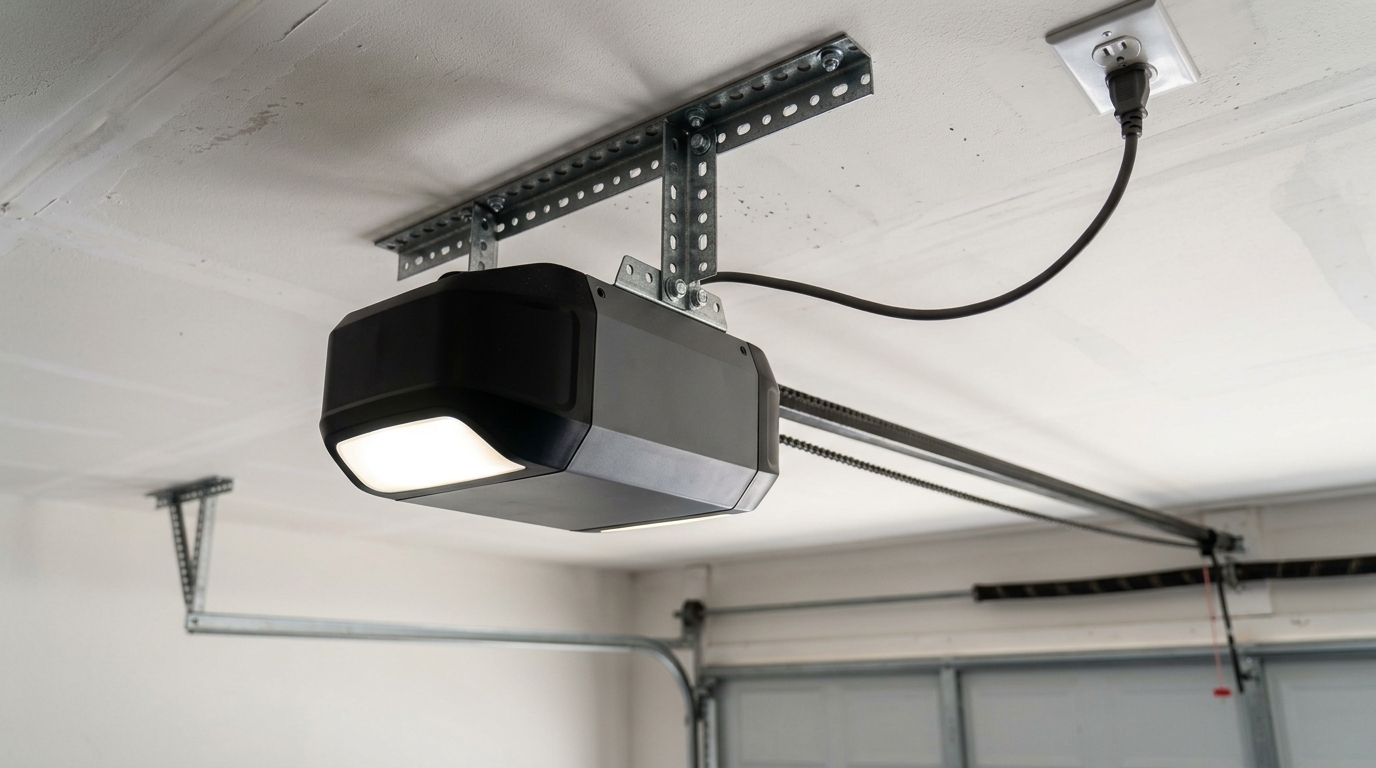
An LED light requires electronic circuitry to regulate the power supplied to its components. That circuitry can generate electrical noise during operation.
Well-designed products control these emissions so they remain within applicable limits. Nevertheless, device quality, installation conditions, and aging components can affect performance.
The garage door receiver does not know that the unwanted signal came from a light fixture. It simply receives a more complicated radio environment.
As a result, the intended remote transmission may become harder to distinguish.
Why the remote works only near the garage
A remote that operates from a short distance but fails farther away may be experiencing reduced signal range.
Radio interference is one possible explanation. Other causes include a weak transmitter battery, damaged antenna, installation obstacles, or a malfunctioning receiver.
Therefore, distance alone does not prove that an LED bulb is responsible.
Compare performance under consistent conditions before buying replacement parts.
Also, check whether multiple remotes show similar behavior. If only one fails, inspect that remote first.
Why interference may appear after a lighting upgrade
Some homeowners notice problems immediately after replacing incandescent bulbs with LED products.
The timing can provide a useful clue, particularly when the remote previously worked reliably from the same position.
However, two events happening together do not establish causation.
For example, an opener antenna might have moved during maintenance, or the remote battery could be nearly depleted.
A controlled comparison helps separate the lighting issue from other possible faults.
For general opener maintenance, review our garage door maintenance and troubleshooting guides.
Identify the symptoms without guessing
Begin by asking when the problem occurs. Does the remote work when the opener light is off but fail while the light is illuminated? Does an exterior LED fixture produce the same effect?
Also, note whether the wall-mounted control works consistently.
A wired wall control that operates normally while wireless remotes fail can help narrow the issue, although it does not conclusively identify the cause.
How to perform a safe lighting comparison
Park the vehicle in a safe location and choose a consistent testing distance. Make sure the garage doorway is clear of people, pets, and objects.
Test the remote several times under ordinary conditions, following the opener manufacturer’s instructions.
Next, switch off an accessible lighting fixture suspected of creating interference, without opening electrical enclosures or removing wiring.
Repeat the test using the same remote and approximate location.
If the range improves consistently, the lighting circuit or fixture may deserve further investigation.
Never disable safety sensors or manipulate live wiring during this process.
How to Fix Garage Door Remote Interference Safely
Once you identify a possible relationship between lighting and remote performance, start with low-risk solutions.
The most expensive repair should not be your first assumption.
In many situations, replacing an unsuitable bulb or correcting a simple remote problem may resolve the issue.
Check the remote, antenna, and compatible lighting
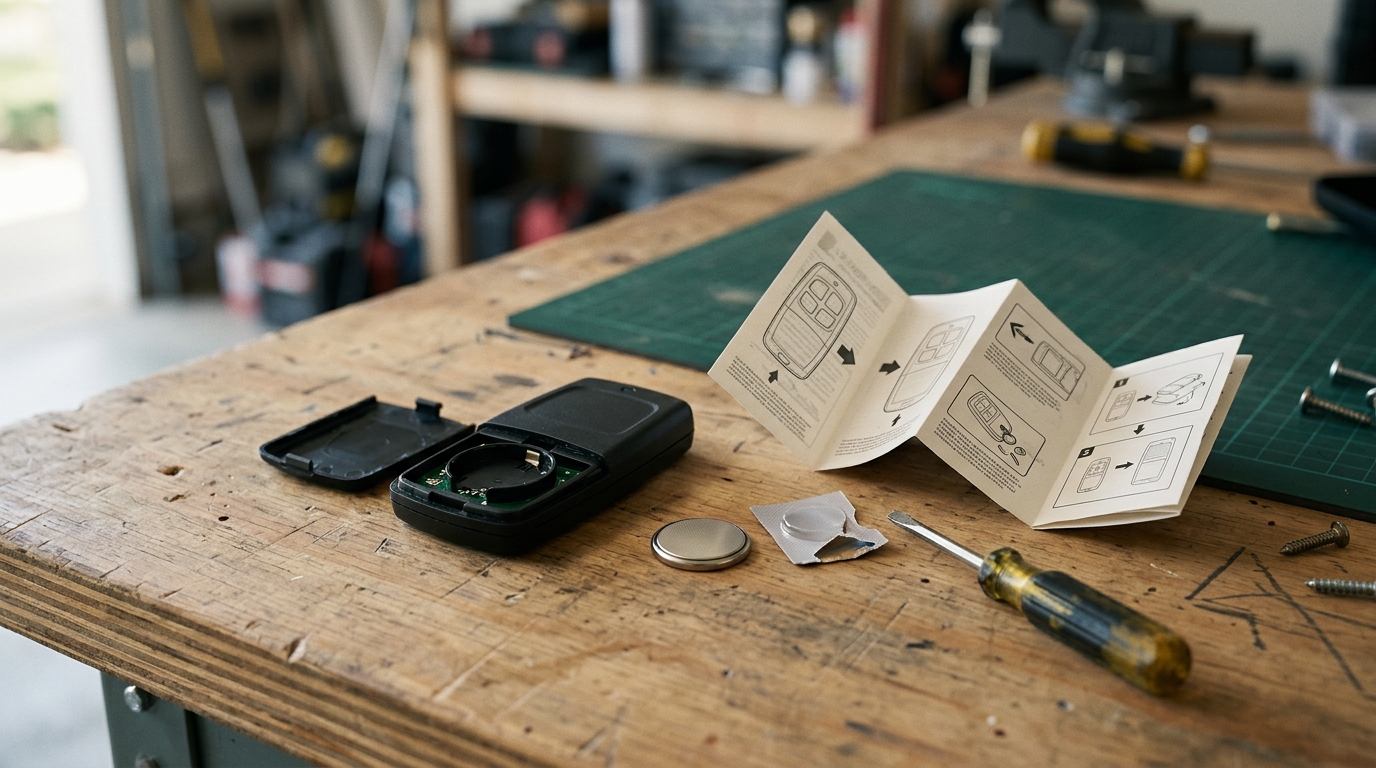
Replace the remote’s battery with the type recommended by its manufacturer. Then review the opener’s antenna position using the model-specific manual.
Inspect only accessible, user-serviceable components.
Do not open the motor housing or modify antenna wiring without appropriate training.
Choose bulbs approved for garage door openers
Some opener manufacturers identify compatible LED bulbs or sell lighting products intended to reduce interference.
Before purchasing, check your opener’s model number and approved bulb specifications.
Consider brightness, operating temperature, enclosure rating, and fixture compatibility.
Do not assume that every product advertised as interference-free will work with every opener.
Use only lighting that meets the fixture manufacturer’s electrical requirements.
Check the opener’s antenna position
Garage door opener antennas may be positioned below or alongside the motor housing.
The exact arrangement depends on the model.
Consult the instruction manual before making any adjustment. A damaged or improperly located antenna can reduce reception.
Do not extend, splice, or replace antenna wiring with improvised materials.
If the antenna appears broken, contact the manufacturer or a qualified technician.
Compare all available remotes
Try another authorized remote if one is available.
If the second remote works normally, the first may have a worn button, weak battery, or internal damage.
If both struggle under the same conditions, the opener receiver or surrounding radio environment deserves further consideration.
Keep the tests consistent rather than drawing conclusions from one successful attempt.
Consider nearby electrical equipment
LED bulbs are not the only possible source of interference.
Some electronic power supplies, chargers, lighting controllers, and other electrical devices can introduce radio noise.
However, avoid unplugging essential equipment or touching unfamiliar wiring.
For anything connected through fixed electrical wiring, seek qualified assistance.
Safety comes before diagnosing a convenience problem.
Do not confuse radio problems with sensor failures
A wireless reception problem usually affects whether the opener recognizes a command.
Safety sensor problems may instead prevent a door from closing or cause it to reverse.
These symptoms require different troubleshooting approaches.
Do not bypass photoelectric sensors to make a door close.
Learn more about regular inspection in our seasonal garage door maintenance guide.
Check whether smart controls behave differently
Some modern openers allow operation through an approved smartphone application.
These systems may use communication methods that differ from a traditional handheld remote.
Therefore, an app working successfully does not automatically prove the radio receiver works correctly.
Similarly, an app failure may involve Wi-Fi or account connectivity rather than LED interference.
Review our garage door blog archive for related smart-opener guidance.
Keep the remote’s security features intact
Never disable rolling-code features, bypass receiver protections, or install unknown transmitters to compensate for weak reception.
Use compatible remotes approved for the opener.
If you suspect unauthorized access or unexplained door operation, investigate that issue separately.
Radio interference generally affects reliability, but security problems require their own assessment.
Know when to contact a garage door technician
Professional diagnosis becomes appropriate when multiple remotes fail, the receiver appears damaged, or simple approved checks do not resolve the issue.
A technician can evaluate the opener while preserving the safety features.
If the suspected cause involves fixed electrical equipment, a qualified electrician may also be needed.
Avoid approving a complete opener replacement before receiving a clear explanation of the fault.
Maintain a troubleshooting log
Write down the date, testing location, lighting condition, remote used, and observed result.
Record whether the issue occurs during daylight, after sunset, or only when particular fixtures operate.
These details can help a technician identify patterns.
A short, accurate log is usually more useful than saying the opener fails randomly.
What homeowners should remember in 2026
Garage door remote LED interference is a real troubleshooting possibility, but it is not the cause of every unreliable remote.
Start by checking batteries, comparing remotes, reviewing antenna placement, and testing accessible lighting safely.
Choose compatible equipment and follow the opener manufacturer’s instructions.
Most importantly, never defeat electrical or garage door safety systems to improve wireless range.
Safety note: This article provides general troubleshooting information. Stop using malfunctioning equipment and consult a qualified professional when electrical damage, unsafe door movement, or high-tension hardware problems appear.